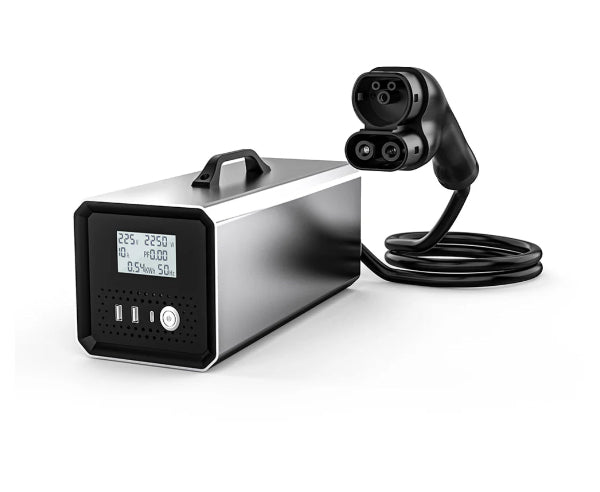
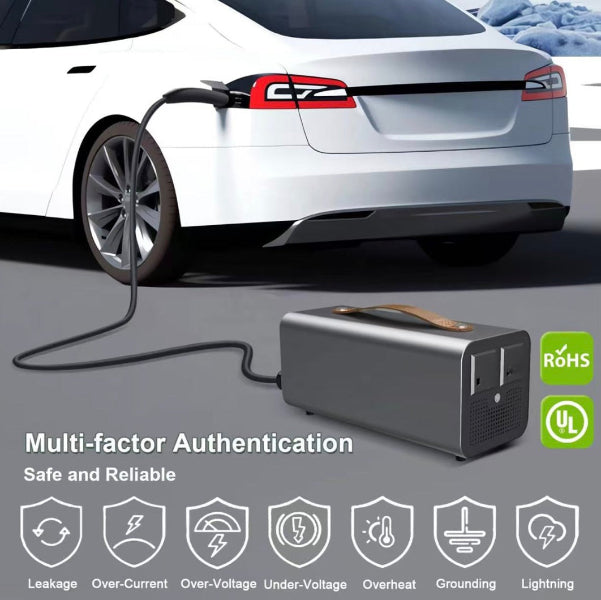
Turn your Tesla into a mobile power station.
The V2L (Vehicle-to-Load) Discharger draws energy directly from your Tesla's high-voltage battery, delivering up to 5kW of pure sine wave 240V AC power — enough to run a fridge, lights, power tools, laptops and more.
Perfect for Australian camping trips, outdoor events, job sites, or as a home backup power source during outages.
We've Tested It — Here's What Actually Works
We put the V2L Discharger through its paces so you don't have to guess. Here's what we ran directly from a Tesla Model Y battery:
- ✅ Electric kettle — boiled a full kettle without issue
- ✅ Toaster — ran perfectly, toast came out great
- ✅ Home fridge — ran continuously overnight
- ✅ Laptop and phone charging — no problems at all
- ❌ Charging another Tesla — we tried it. Didn't work. The receiving Tesla doesn't recognise the V2L output as a valid charge source. Stick to standard appliances.
Bottom line: it's a genuine, capable mobile power source for everyday appliances — just don't expect it to charge another EV.
Key Features
-
5kW continuous output — powers fridges, appliances, tools and electronics simultaneously
-
240V pure sine wave — safe for sensitive electronics including laptops and medical devices
-
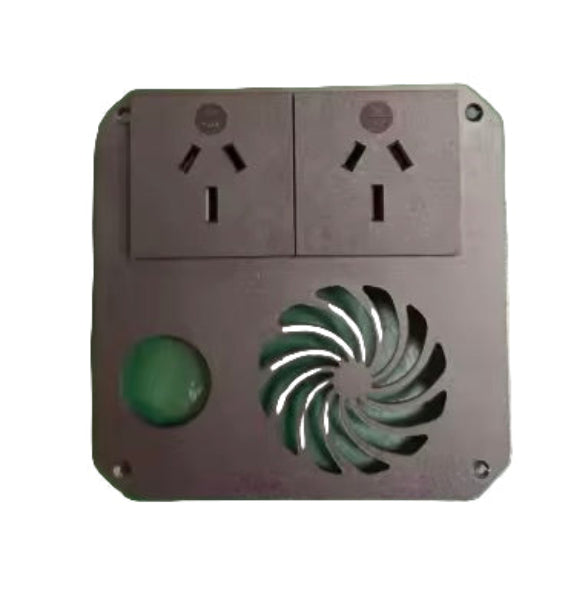
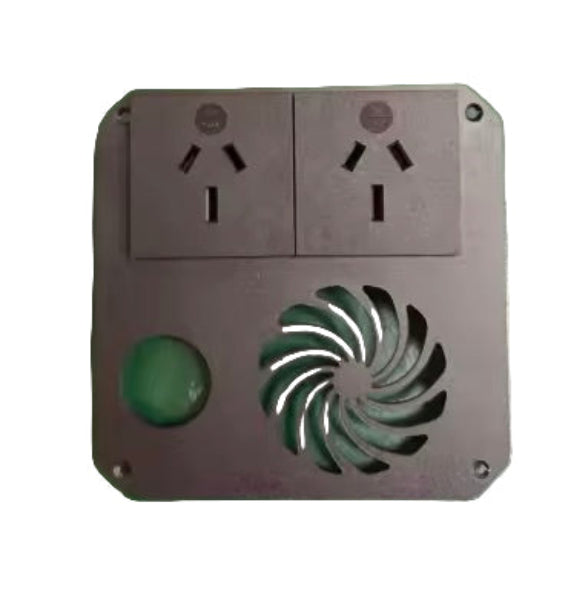
2x 10A Australian sockets — plug in standard Australian appliances directly
-
Automatic low battery protection — halts discharge at 20% to protect your Tesla battery
-
CE certified — 20+ quality checks for reliable performance
-
Portable — 7kg with 1.9m cable, easy to store in your boot
-
Compatible with Tesla Model 3 and Model Y — CCS charging port required
Technical Specifications
-
Rated Power: 5kW at 240V
-
Input Voltage: DC 300–500V
-
Output Waveform: Pure Sine Wave
-
IP Rating: IP22 — not waterproof, use under shelter in wet conditions
-
Operating Temperature: -10°C to 40°C
-
Weight: 7kg
-
Dimensions: 41.5 x 33 x 20cm
-
Shell Material: Aluminium alloy
How to Use
📄 Download the printable setup & troubleshooting guide (PDF)
Before you start: If the unit has been unused for a while, charge its internal battery for about 30 minutes via the USB-C port first. This powers the handshake electronics — a flat internal battery is the most common reason the unit appears unresponsive. Also set your Tesla's charge limit to 100% before use, so you have the maximum battery capacity available to draw from.
Powering on (the order matters):
- Press the button to power the unit on — a red light comes on.
- Wait about 10 seconds for the yellow light to confirm startup.
- Only then, insert the CCS plug into your Tesla's charge port (car in Park, awake and unlocked).
-
Green light flashing — it's communicating with the car.
-
Solid green light — ready to use. Plug in your appliances.
Powering off: Disconnect appliances first → hold the button for 2 seconds → blue light flashes → unplug the CCS connector → yellow light → wait 30 seconds for full shutdown.
Light guide: Red = powering up · Yellow = ready to plug into the car · Green flashing = handshaking with the car · Solid green = power live at sockets · Blue flashing = shutting down.
Troubleshooting
-
No light / won't turn on — the internal battery is flat. Charge via USB-C for 30 minutes and retry. (Most common fix.)
-
Stuck on yellow after plugging into the car — the car isn't handshaking. Wake the Tesla fully (open a door or tap the screen), make sure it's in Park and unlocked, then re-insert the CCS connector.
-
Green flashing but never goes solid — communication didn't complete, usually because the car went back to sleep. Retry with the car fully awake.
-
Solid green but no power at the sockets — check the appliance is a standard 240V device within the 5kW / 10A limit. It cannot charge another EV.
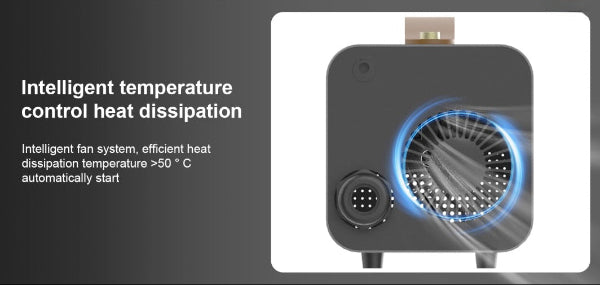
Important: Never use in rain or wet conditions. Do not block air vents. Do not open the unit — tampering voids warranty.
Shipping & Warranty
- Delivery: 7–10 business days (ordered as needed from supplier)
- 12-month warranty on the V2L unit
-
Tesla warranty note: Tesla's documentation advises against using the vehicle as a stationary power source. Use at your own discretion and refer to your Tesla warranty documentation for details.